
How to Use Starboard Software with Two Users Simultaneously?
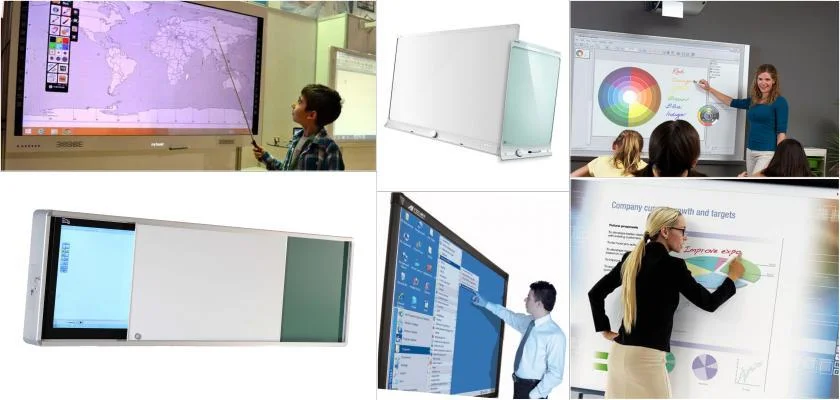
This is one of the topics of curiosity in smart board systems, and Starboard software allows for use by two people simultaneously, not through dual opening, but by using two separate pages. This is often used effectively in 2 separate Starboard applications. For this, it is necessary to choose two pages from the tools menu. If the necessary operations are not performed, service should be obtained from expert and experienced technical support.
What are Smart Whiteboards?
These smart board systems generally offer users products that enhance visual communication, provide practical use, and prioritize functionality and quality. Accordingly, whiteboards, cork boards, glass boards, airboards, and all other visual communication furniture specifically designed for spaces are currently produced and frequently used in the education system.
What is Educational Furniture?
In today's technology, educational furniture such as advantageous smart boards are used in schools to enable students and teachers to have more effective lessons. These pieces of furniture gain a different dimension, becoming materials that invigorate schools, increase communication, strengthen visual perception, and influence the education system. In the classrooms of the future, there will not only be materials like desks, chairs, and cabinets focused on the classroom, but also furniture that centers students and enables them to play an active role in education.